
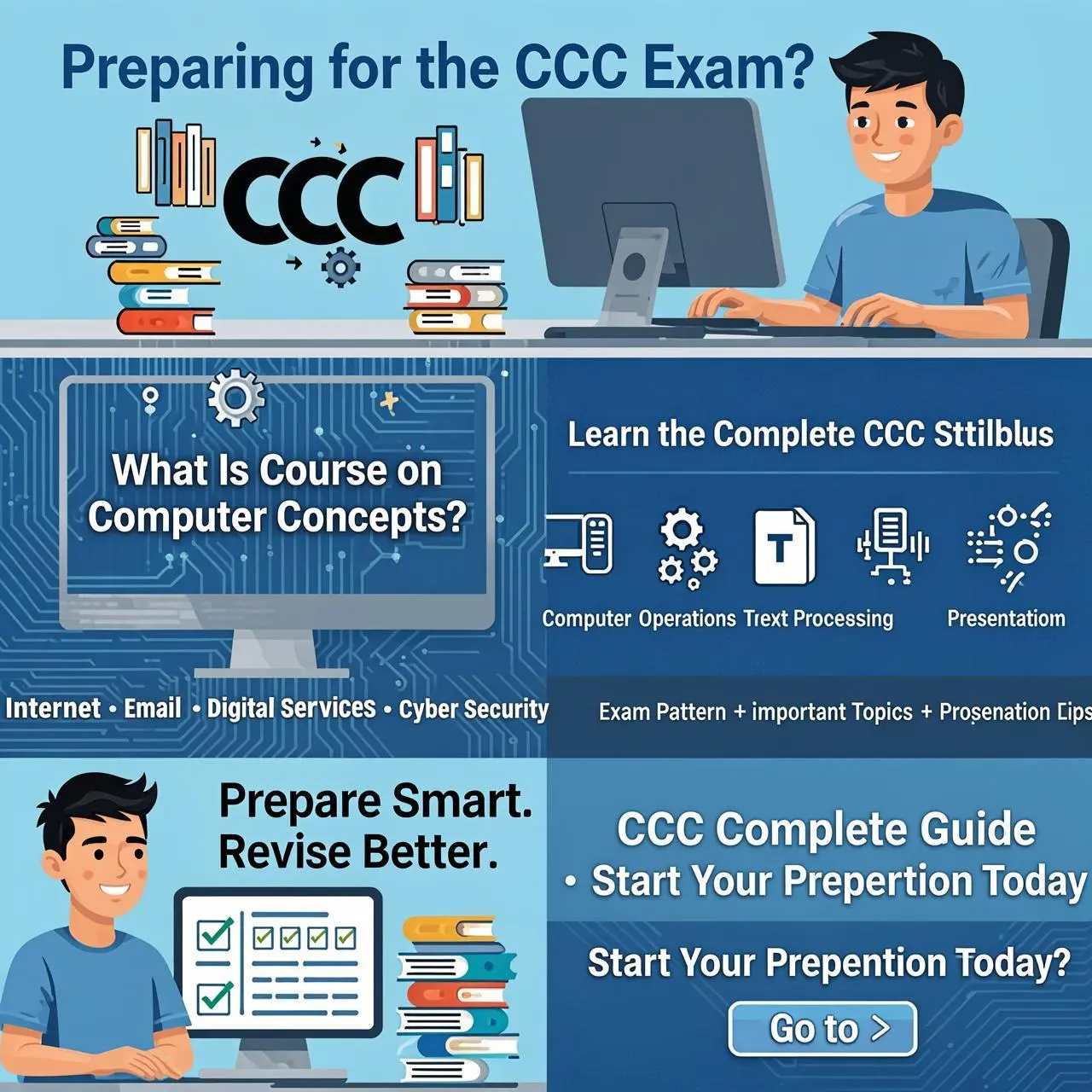
Hello future computer experts! I am here to guide you about the process of studying CCC. It must be very challenging for you to study such a vast syllabus ranging from computer hardware to MS Office and even cyber security. Do you want to know something? With the proper strategy, 30 days are enough for you to crack this exam because the CCC exam includes 100 multiple-choice questions with no negative marking. All you need is to get the concepts clear and choose the right option.
Here is the 4-week study plan for your CCC. Let’s start!
Pro Tips for Mastering Office Applications
Before we dive into the timetable, here are 2 practical tips to help you ace the Word, Excel, and PowerPoint sections (which carry high weightage in the exam):
- Focus on the “Tabs” and “Shortcuts”: In the CCC exam, questions are rarely about how to type a document. Instead, they ask where a specific tool is located. For example, you should know that “Mail Merge” is found under the Mailings tab in Word, and that “Header & Footer” is under the Insert tab. Memorize shortcut keys (e.g.,
Ctrl + Bfor Bold,Ctrl + Sfor Save). - “Reverse-Engineer” Your Practice: Don’t just create documents from scratch. Open a blank Word/Excel/PowerPoint file and actively click through every tab on the ribbon (Home, Insert, Page Layout, etc.). Hover your mouse over the icons to read their names. This visual memory will help you instantly recognize answers in the exam!
The 30-Day CCC Study Roadmap
Week 1: Building the Foundation (Computer Basics & OS)
Weekly Goal: Understand the physical parts of a computer, how they work, and how the Operating System (Windows) manages them.
| Day | Focus Area | Activity Type | Topics to Cover |
|---|---|---|---|
| Day 1 | Introduction to Computer | Theory | History, Generations of computers, Characteristics, and basic block diagram (Input, CPU, Output). |
| Day 2 | Hardware Concepts | Theory | Input devices (Keyboard, Mouse, Scanner), Output devices (Monitor, Printer, Projector). |
| Day 3 | Memory & Storage | Theory | Primary memory (RAM, ROM), Cache, Secondary memory (HDD, SSD, Pen drive, CD/DVD). |
| Day 4 | Software Concepts | Theory | System Software (OS, Utility), Application Software, Open-source vs. Proprietary software. |
| Day 5 | Operating System Basics | Theory + Practical | What is an OS? Functions of OS. Windows Desktop, Taskbar, Start Menu, Icons. |
| Day 6 | File Management | Practical | Creating, copying, moving, deleting files/folders. Recycle bin, searching files, shortcuts. |
| Day 7 | Week 1 Revision & Quiz | Assessment | Revise notes. Take a short online quiz on Chapter 1 & 2. Note down weak areas. |
Week 2: The Core Productivity Tools (Word & Excel)
Weekly Goal: Gain hands-on mastery over Word Processing and Spreadsheets, as these carry maximum weightage in the exam.
| Day | Focus Area | Activity Type | Topics to Cover |
|---|---|---|---|
| Day 8 | Word Processing Intro | Practical | Opening Word, Interface familiarization (Ribbon, Tabs), Text formatting (Font size, style, color). |
| Day 9 | Word Formatting | Practical | Paragraph alignment, bullets, numbering, borders, shading. Inserting pictures, shapes, and tables. |
| Day 10 | Advanced Word | Practical | Page setup, margins, headers/footers, page numbers. Crucial: Mail Merge and Track Changes. |
| Day 11 | Spreadsheet Intro | Practical | Excel interface, rows/columns, cells, entering data, navigating sheets. |
| Day 12 | Excel Formulas & Functions | Practical | Basic math (+, -, *, /). Important functions: SUM(), AVERAGE(), MAX(), MIN(), COUNT(). |
| Day 13 | Excel Formatting & Charts | Practical | Cell formatting, borders, sorting data, filtering data. Creating basic charts (Bar, Pie, Line). |
| Day 14 | Week 2 Revision & Quiz | Assessment | Revise shortcut keys. Take a quiz on Word & Excel. Focus on “where is this tool located” questions. |
Week 3: Presentations & The Connected World (Internet & Email)
Weekly Goal: Learn how to create presentations and understand how computers connect globally via the Internet.
| Day | Focus Area | Activity Type | Topics to Cover |
|---|---|---|---|
| Day 15 | PowerPoint Intro | Practical | PowerPoint interface, slide layouts, adding/editing text, saving presentations. |
| Day 16 | PowerPoint Design | Practical | Design themes, transitions (effects between slides), animations (effects on objects). |
| Day 17 | Internet Basics | Theory | What is a network? LAN/WAN/MAN. Internet vs. WWW. Browsers (Chrome, Edge) and Search Engines. |
| Day 18 | Web Concepts | Theory + Practical | URLs, Websites, Webpages. Hyperlinks, Bookmarks, Downloading and uploading files. |
| Day 19 | Email Communication | Practical | Email structure (To, Cc, Bcc). Composing, attaching files, forwarding, replying. Email etiquette. |
| Day 20 | Social Media & E-Commerce | Theory | Social networking sites, blogs, forums. E-commerce concepts (B2B, B2C, C2C). Online transactions. |
| Day 21 | Week 3 Revision & Quiz | Assessment | Revise PPT, Internet, and Email concepts. Take a mini-mock test for these chapters. |
Week 4: Digital Finance, Cyber Security & Final Polish
Weekly Goal: Understand digital safety and financial tools, then shift entirely to mock tests and time management.
| Day | Focus Area | Activity Type | Topics to Cover |
|---|---|---|---|
| Day 22 | Digital Financial Tools | Theory | UPI, BHIM, RuPay cards, e-Wallets, USSD, AEPS. Understanding basic digital payment modes. |
| Day 23 | Cyber Security Basics | Theory | Viruses, Worms, Trojans, Antivirus software. Firewalls and secure browsing (HTTPS, Padlock icon). |
| Day 24 | Data Privacy & Threats | Theory | Phishing, Smishing, Social Engineering. Strong passwords, OTP security, Two-Factor Authentication. |
| Day 25 | Full Mock Test 1 | Assessment | Attempt a full 100-question mock test with a 1-hour timer. Do not take breaks. |
| Day 26 | Analysis & Shortcut Drill | Theory + Practical | Analyze Mock 1 mistakes. Memorize all shortcut keys (Word, Excel, Windows OS). |
| Day 27 | Full Mock Test 2 | Assessment | Attempt another 100-question mock test. Try to increase your speed and score. |
| Day 28 | Analysis & Weak Areas | Theory | Review Mock 2. Re-read theory only for the questions you got wrong. |
| Day 29 | Full Mock Test 3 | Assessment | Final mock test. You should be aiming for 80+ correct answers by now. |
| Day 30 | Light Revision & Rest | Theory | Skim through your notes. Do not study anything new today. Relax, stay confident, and rest well! |
Final Words of Encouragement
Consistency is your best friend in this 30-day journey. Don’t try to memorize everything in one sitting. Spend 1.5 to 2 hours daily following this schedule. Remember, the CCC exam tests your conceptual clarity, not your typing speed.Practice clicking around the software, take your mock tests seriously, and you will walk into your exam center with complete confidence. You’ve got this! Best of luck with your NIELIT CCC preparation!